
Project description:
Timeframe:
2 Months
Group size:
4 people
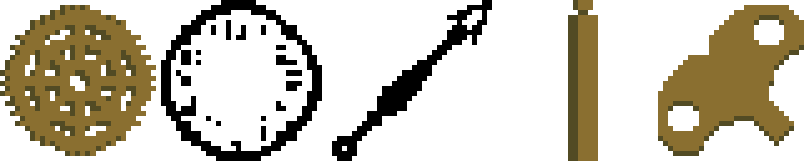
Clockwork is a 2D platformer game where the player collects pieces of a clock to complete each level. Different clock pieces give the player new abilities which are used to beat the level. The player only has access to the most recently picked up item’s ability.
This project was made for my Problem Solving with Data Structures and Algorithms for Games (IGME 106) class with Professor Chris Cascioli at RIT. In the class there were six groups of 4-5 people each.
Clockwork was made using the MonoGame framework and C#. We used GitHub for sharing and version control, Google Drive for file and document sharing, and Trello for task management. We met roughly every 2 weeks to discuss next steps, along with discussion in class.
This page is more about the development of the game than the game itself, but the game is available for download if you want to try it.
My group (and what they worked on):
- Leo Johnson (me)
- Player movement and collision
- Breakable tiles
- Level design
- Emma Rausch
- Animation system
- Menus
- Character, enemy, and ability art
- Re-tiling levels to use asset pack
- Philip Naumovski
- Abilities
- Enemies
- Level design
- Nathan Ma
- Level editor
- Level file saving and loading
Table of Contents
Credits
Game tileset:
– Open Pixel Project
Game font:
– Medodica Regular by Rob Mocci
Download
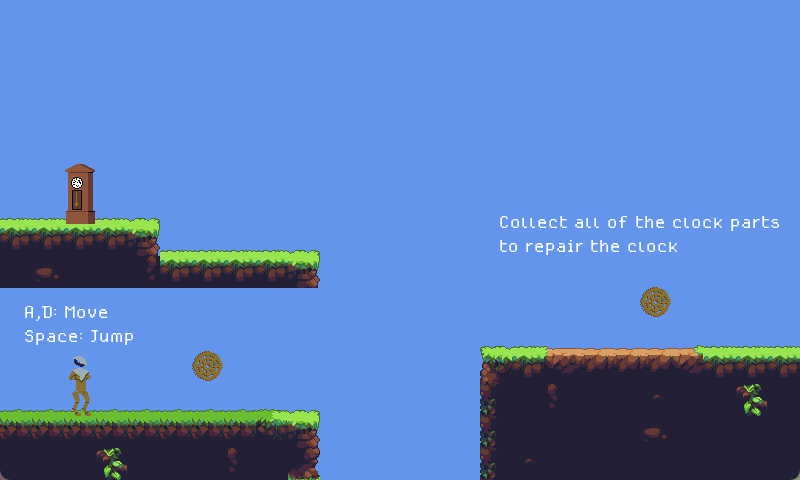
Idea
Our first assignment was to come up with an idea for a game. To make it easier, the professor gave us a theme: “Make every day ___”. After some brainstorming and ideas, we decided to make a 2D platformer that fit the theme by making level completion require fixing a clock, representing making every day.
We decided our game would have pixel art graphics, since one member, Emma, wanted to do some art for the game, and was most comfortable in that style. To save work though, we did use an asset pack for the tileset.
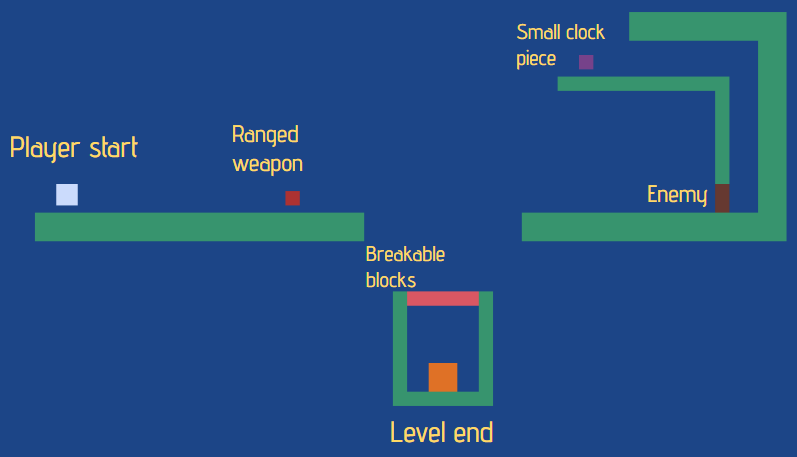
Design and Architecture
Our next step was to design the game and create an architecture diagram.
We knew we wanted to make the game have player abilities that assisted in movement, but one thing we were debating was whether or not to have the player have an inventory of abilities, or only one at a time. We ultimately decided that having only one would be better as it allowed us to simplify the ability controls down to just one button.
A mechanic we were considering adding was a timer, where game mechanics would change as time progressed and if you took too long to complete a level time would slow down until it froze and you would lose the level. We never ended up adding this though, as we had limited time and weren’t sure it really added to the game.

Prototype
Our first usable prototype had mostly working player movement and a dash ability, done by me, as well as an in progress projectile ability and enemy code, done by Philip. During this time Emma was working on the animation system, and Nathan was working on level loading, but neither were in a working state yet.

First Playable and Playtesting
By our first playable state assignment, and the playtest, we had in a working state:
- Basic title screen
- Level select menu
- Pause menu
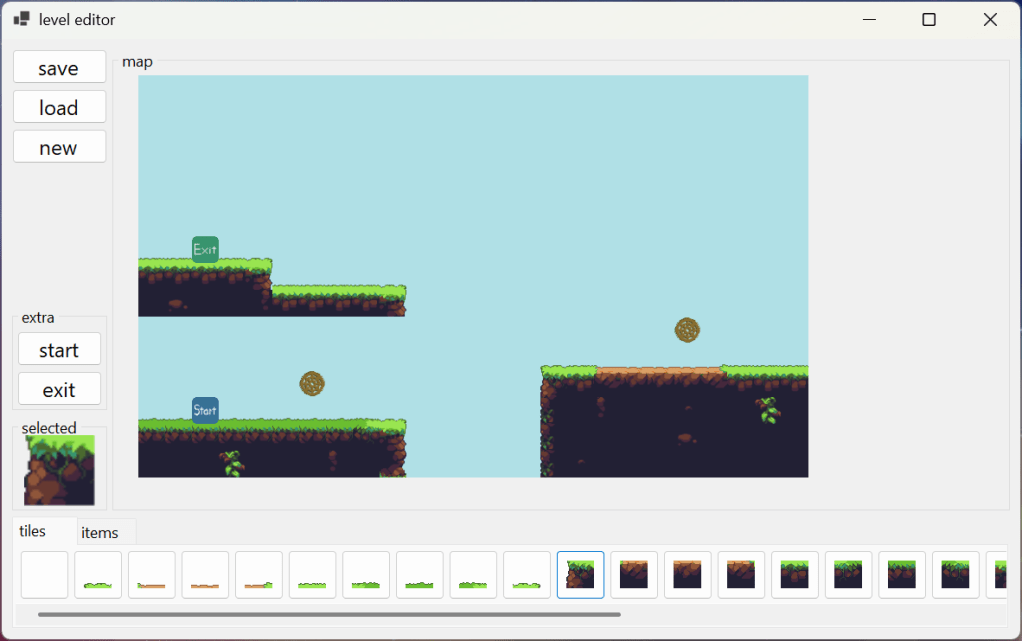
- Level editor
- Level loading
- 8 levels
- All abilities
- and enemies
Playtest
In class we had a day where everyone set
up stations where people could play their game and then they would fill out a google form with their feedback.
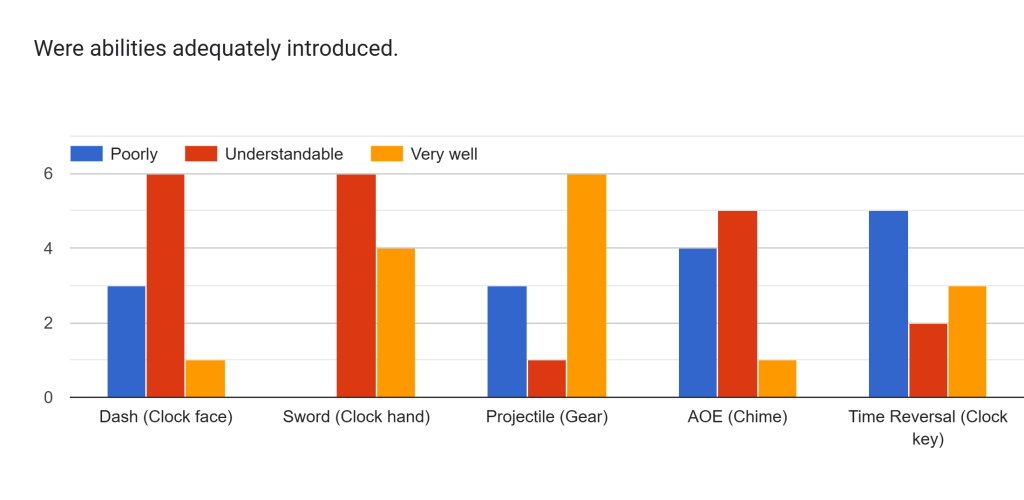
We asked for feedback on game difficulty, whether the abilities were clearly introduced, anything frustrating about the game, and what people liked about it.
One thing people reported often was abilities not being introduced well. For the most part this was because we had not yet implemented animations, which made abilities like the dash, aoe, and time reversal less intuitive, but we did readd a level introducing the dash, and rebalanced some of the other levels.
Finished Game
We had around a week after the playtest to make final changes to the game before we had to present it to the class. In this time we
- Added animations
- Reworked time reversal ability to be more consistent
- Reworked some levels to be more intuitive
- Reduced the speed of the player
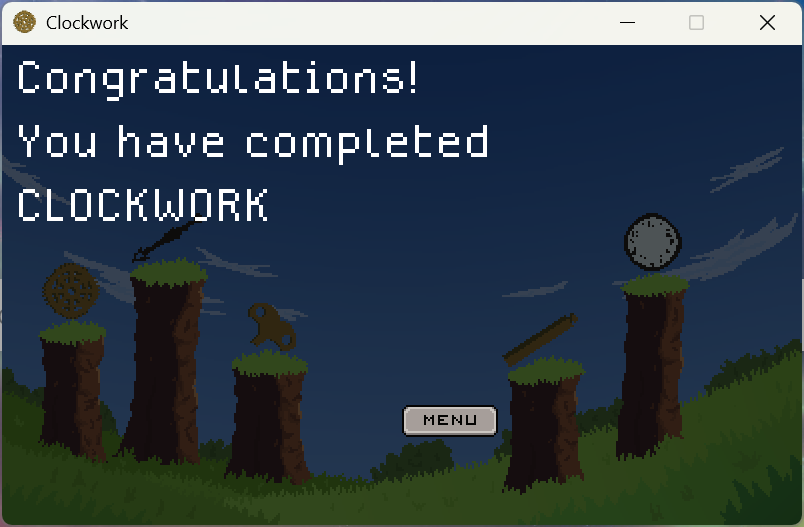
- Made a win screen
- Added a title screen background
The presentation to the class went well and we were (I think) the only group to actually complete everything we initially decided on, although part of the intention of the project was to teach people that often things take longer than expected and get cut.
Conclusion
Overall the project went smoothly without any big issues. All of us were amenable to new ideas and we all finished our work before deadlines. A few issues we did have were that
- We could have planned the architecture a bit more
- We missed some simple things like including the game time in update methods, and the object required for drawing into draw methods, which ended up in a tedious merge when we finally did add them in.
- We didn’t meet as much as we could have
- We had originally planned to meet every week, but we ended up meeting half that amount. I think more frequent meetings would have led to us finishing work early, and potentially being able to add more polish, though it wasn’t a big problem in the end.
Things that went well were
- We quickly settled on an idea
- This gave us some extra time to work on the project.
- We had a good initial scope for our project.
- We managed to add everything we originally intended to have, which wasn’t the case for many other groups.
- Effective version control
- We rarely had merge conflicts, and any we did have were easy to solve (other than the one mentioned above)
- This also made it easy to look back in the project to see what may have caused a new bug.
 Portfoleo